If you're tracking affiliate sales in a spreadsheet, you probably know which parts you'd like to stop doing yourself: matching orders to partners, working out commissions, checking whether a customer got a refund before you pay, or answering someone who wants to know how much they've earned.
That's the work I'd start with when choosing affiliate software for Squarespace.
You might be launching your first program, so you haven't had to do any of it yet. Or you might already have software and still find yourself doing too much of it manually. In either case, follow one sale all the way through: how does the partner get credit, what do they earn, and how do they get paid?
My recommendation is ReferralCandy (obviously, I work here). But the reason why I think it's the best solution for Squarespace merchants goes beyond that: You can invite partners or accept applications, set commissions and use automated cash payouts, as well as run a customer referral program. I'll explain what that means for your Squarespace store and what to compare when you're looking at other tools.
One detail matters from the start: with ReferralCandy's direct Squarespace integration, the buyer needs to enter the partner's generated code at checkout. Clicking a link alone doesn't credit the purchase. Your partners need to understand that too. You can also check out our Squarespace integration guide.
Follow one purchase before choosing software
Imagine you sell a pottery workshop through your Squarespace store. A creator recommends it, someone books a place, and you owe the creator a commission. The same process could apply to a physical product. What matters here is that the purchase goes through Squarespace's store checkout.
With ReferralCandy, you approve the Squarespace connection, and paid orders sync into your account. Then your affiliate partner shares their link and the buyer gets the offer code to enter at checkout. ReferralCandy matches that code to the partner, then checks whether the purchase qualifies for a reward. Simple!
Then, walk through that experience before recruiting partners. Can the buyer find the code? Does the offer still make sense alongside your other promotions? A customer could discover you through a creator, then use a stronger public discount instead. On this integration, that missing partner code matters.
Decide who can join, and how you'll find them
Start with the people whose audience has a reason to buy from you. For example, a workshop might suit a local creator whose followers are looking for things to do nearby. A product might suit someone who already uses it and can explain why.
ReferralCandy gives you a hosted application page, and you can decide what happens after an affiliate partner submits their application (here's how the affiliate enrollment works).
Give applicants enough information to judge the offer: what they would promote, who it's for, what earns a commission and how payment works. Then make a plan to approach suitable partners and get them enrolled in your affiliate campaign on ReferralCandy.
Set a commission you can afford and explain
You can pay affiliates a fixed amount or a percentage of the purchase. For a hypothetical example, a 15% commission on a $100 subtotal (after discounts) is $15.
What I always recommend to merchants is to work backwards from your margin. Allow for the customer's discount, your cost of delivering the product or service, the commission and the program's fees. A high percentage that leaves nothing on the sale won't become sustainable just because software calculates it for you.
Next, decide which purchases count. ReferralCandy supports the first purchase, every purchase, or the first several (e.g. the first five) purchases. You can also decide how much the referred friends need to spend in order to qualify as a successful affiliate purchase.
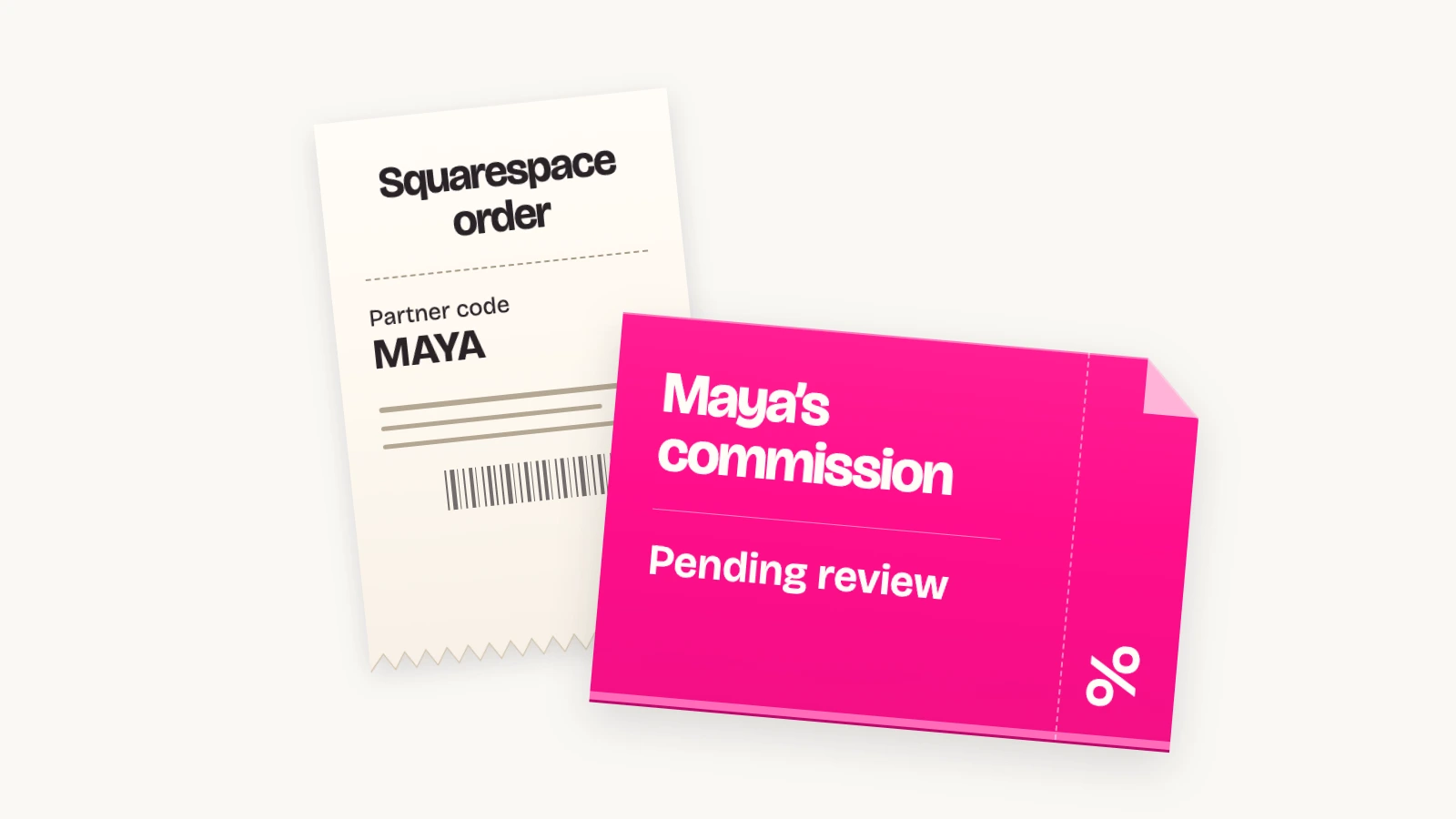
Give refunds time to surface. Using ReferralCandy's purchase review period, the Squarespace connection updates full refunds and cancellations to a zero purchase amount and adjusts partial refunds, so ReferralCandy can keep referrals on hold until the return period has ended. A tip here is to set a minimum qualifying amount of at least $1 so a zeroed purchase can't earn a reward.
My recommendation is to explain those rules to partners before they start. Someone seeing a pending commission should understand what still needs to happen before payment.
How your affiliates get paid
One of the good things about using ReferralCandy is that you don't have to send every affiliate a payment yourself. We can handle that for you. Once you've decided what they earn, you have a few ways to get the money to them.
Pay through PayPal
With PayPal, you get one monthly invoice from ReferralCandy covering the cash rewards due and the sending fees. Once that invoice is paid, we send the payments individually to your affiliates. So if you have several partners earning commissions, you aren't opening PayPal and making a separate transfer to each person.
Give partners more options with Tremendous
Another option is our integration with Tremendous. The affiliate receives an email, clicks through to claim their reward, and chooses from the options you've made available. That could be an Amazon gift card, a prepaid Visa card, or a monetary option such as a bank transfer or Venmo. The choices depend on the recipient's country and your setup; Venmo, for example, is available to US recipients. Tremendous explains the available payment options here.
The useful part is that you don't have to agree on one reward with every partner. You choose which options to offer in your connected Tremendous account, and each affiliate picks the one that works for them.
You also decide how to fund it. A funded Tremendous balance lets payouts start after the commission qualifies, without waiting for the monthly invoice. If you prefer invoice funding, payments wait until that invoice is settled. Our Tremendous guide walks through both approaches and the reward settings. Definitely a solid choice.
Keep your own payment process
If you already pay partners through a bank or another service and want to keep doing that, you can. ReferralCandy calculates the commissions, you export the payout file and pay your affiliates, then upload the updated file to mark those payments as completed. That's the self-managed option. It gives you a record of what's owed and what's been paid while leaving the transfer with you.
Whichever option you choose, your affiliates can open their own dashboard to see the sales they've generated, what they've earned and which payments are pending. They don't have to keep asking you how they're doing or when the next payment is coming, they have that information themselves.
What you get with each Squarespace affiliate tool
One thing I'd pay attention to is who creates the discount codes. If you're bringing new partners into the program regularly, creating a code for each person and matching it to their account becomes another job to keep up with.
ReferralCandy creates those codes in Squarespace automatically, and promo-code tracking is included on every plan, including the starting plan. When someone uses the partner's generated code at checkout, we match the purchase to that partner. You don't need a higher subscription just to track sales this way.
Peach's makes a different distinction. Its $59 Individual affiliate plan includes link and cookie tracking, but promo-code tracking requires the $199 Business plan, which doesn't make any sense. And its setup guide tells you to create the discount code in Squarespace, so more manual work for you. So even on Business, creating the code is part of the merchant's setup work. I'd definitely avoid this if you're planning on scaling your affiliate program.
Tapfiliate also says it doesn't generate coupon codes: you create them in your store, assign them to affiliates, and make sure your integration sends the code with the order. Its standard Squarespace setup uses tracking snippets. Those are different steps from approving ReferralCandy's direct connection and letting it create the codes for you.
Here's how the main options compare:
| Software | Codes and tracking | Paying affiliates | Monthly pricing |
|---|---|---|---|
| ReferralCandy | Automatically creates Squarespace codes; code tracking included on every plan | Automated PayPal or Tremendous payouts; self-managed payments also available | Starts at $39 with a success fee; higher plans have lower percentage fees |
| Peach's | Link tracking on Individual; merchant-created promo codes tracked on Business | You transfer the money and mark commissions paid | Individual $59; Business $199, per program |
| impact.com | Promo-code creation and affiliate links through its Squarespace extension | Fund the account; partner payments follow the agreed commission and payment schedule | Starter: at least $30, with revenue-based billing; Essentials from $500 |
| Tapfiliate | You create and assign codes; tracking requires your integration to send the coupon data | Your payment provider; Trolley integration available from Scale | Launch $89; Scale $179; provider costs are separate |
Why I'd choose ReferralCandy
For me, the reason goes beyond tracking a sale. I want you to be able to bring partners into the program, give them an offer, pay them and keep them informed without creating a new task for yourself at every step. That's what ReferralCandy is built to handle.
Alongside automatic code creation and payouts, you get:
- Referral and affiliate programs in the same account. You can run unlimited campaigns, so a customer referral program and a creator program can have different offers without needing separate subscriptions.
- Control over who joins. Invite partners you've already chosen or use a branded application page and decide whether public applicants need your approval.
- Different commissions for different relationships. Give a partner their own campaign, set a fixed amount or percentage, and decide whether to reward the first purchase, every purchase or a set number of purchases.
- Communication and reporting built in. Configure campaign emails, give partners a branded portal and review sales and commissions in your own dashboard.
- Help from Referral Expert. Ask it for reward recommendations, campaign setup or an explanation of your results. You review proposed changes before they're applied.
You can see the full feature list and what's included in each plan. All plans include the supported referral and affiliate features, so moving up a plan changes the fees rather than unlocking the basics you need to run the program.
We've been working on referral marketing for more than 15 years. For a Squarespace merchant, I'd put that experience alongside what we've covered here: automatic codes, commission rules, payments and a place for partners to see their earnings. That's why ReferralCandy would be my first choice.