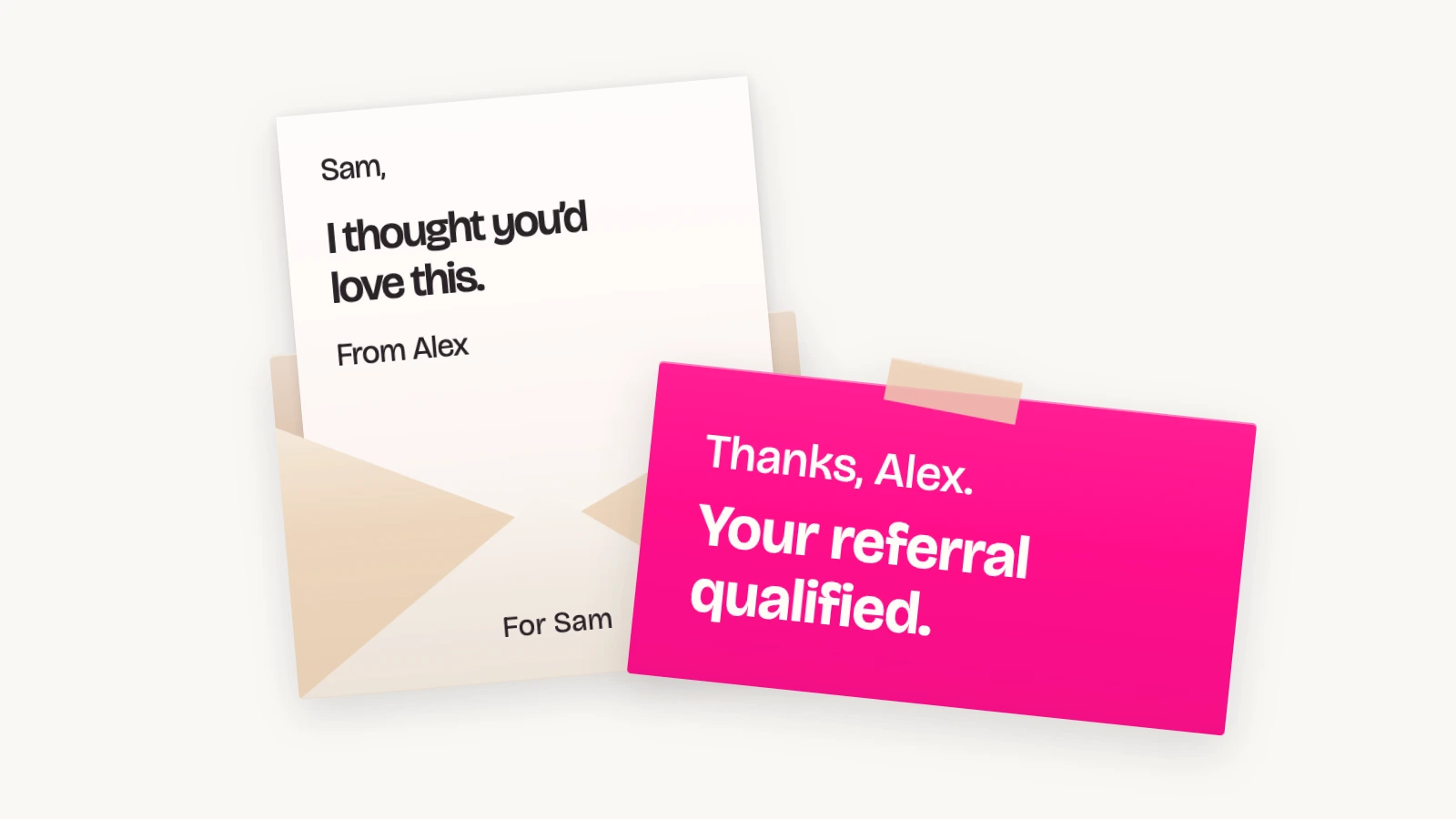
If you sell through Squarespace and want your customers to recommend you, the idea behind a referral program is pretty straightforward. A customer shares an offer with a friend, their friend buys, and the customer gets a reward. You can explain that in a couple of sentences.
The app needs to handle what happens after that. You need to know which customer referred the sale, whether the order qualifies for a reward, and what happens if the buyer asks for a refund. And once you've set the program up, you probably want to spend your time getting customers to use it, rather than working through a spreadsheet every week.
My recommendation is ReferralCandy. I work here, so obviously I have a preference, but let me explain what that recommendation is based on. We've been working on referral marketing for more than 15 years, helped over 30,000 brands and generated hundreds of millions of dollars in referral sales. Across the platforms we support, our customers include LMNT, Lume, CrunchLabs and Trezor.
For your Squarespace business, I'd connect that experience to a more practical question: how much of the work will the app handle, and where will you still need to get involved?
That's what I'll walk through here, including how ReferralCandy compares with Peach's and other options. We'll look at the customer's experience, the rewards you can offer and the work you'll have to do once people start referring.
And ReferralCandy works whether you're selling products or services through Squarespace's store checkout, including classes and consultations. The referral program can follow the same process: someone recommends your business, their friend buys, and you reward the introduction.
The three referral apps I'd compare
| App | Why I'd consider it | Monthly pricing |
|---|---|---|
| ReferralCandy | Supporting Squarespace merchants since 2018, now with a direct integration and automated referral management. | Starts at $39 a month with a success fee. Higher plans have lower percentage fees. |
| Peach's | A Squarespace specialist with concierge setup and a fixed software subscription. | $49 Individual or $149 Business, per program, without commissions. |
| Genius Referrals | An option for an embedded referral portal and configurable tracking, with guided setup. | From $149; Starter lists integrations and automated payouts as add-ons. |
ReferralCandy: my recommendation for automating the referral work
Our Squarespace support dates back to at least December 2018, when we published our original Squarespace integration guide. That version used order emails to connect the store. We announced our Squarespace Extensions listing in October 2026, with the direct connection described below.
ReferralCandy connects directly to Squarespace. You approve access to your store, choose the offer and set your reward rules. The direct connection handles order tracking without requiring you to paste a tracking script. Optional widgets are a separate part of setting up the customer experience. See the Squarespace integration.
Here's what a referral looks like:
- Your customer shares their personal referral link.
- Their friend follows it and gets a percentage or fixed-amount discount code.
- The friend enters that code at Squarespace checkout.
- The paid order syncs to ReferralCandy, which matches the code to the customer who made the introduction.
Choose a reward your customer will actually use
For customers who buy regularly, a discount on their next order can be useful. ReferralCandy creates Squarespace reward coupons automatically, emails them to qualifying advocates and shows them in the customer portal. You're not making and sending every code yourself.
If someone is unlikely to buy again soon, I'd look at a cash reward. ReferralCandy supports fixed or percentage cash rewards, with PayPal and Tremendous payout options for other ecommerce platforms, including Squarespace. Rewards become payable after qualification and review, and the payout method needs funding.
I don't know your margins, so I wouldn't prescribe the same reward to every store. Work out what you can spend on the friend's discount and the customer's reward, then check whether that offer is attractive to both people.
Keep control of exceptions
A referred order still needs to meet your rules and pass fraud checks. The review period gives you time before a reward becomes payable. For directly connected Squarespace stores, full refunds and cancellations set the recorded purchase amount to zero; partial refunds adjust it, so I'd recommend setting a minimum qualifying purchase of at least $1 so a zeroed order cannot earn a reward. See the refund and eligibility details.
Your job is to choose those rules, review the orders that need attention and make the program visible. That's much more manageable than calculating and sending every reward manually.
Our Ledger case study describes that decision. The team first experimented with referrals by sending emails and creating coupons themselves, then chose ReferralCandy instead of building the software internally.
What ReferralCandy will cost as referrals grow
Our current monthly plans combine a subscription with a success fee:
| Plan | Monthly subscription | Success fee |
|---|---|---|
| Basic | $39 | 10.5% |
| Grow | $79 | 3.5% |
| Scale | $249 | 1.5% |
| Enterprise | $799 | 0.25% |
The fee applies to the purchase subtotal on a newly referred customer's first three purchases. It isn't a percentage of all your store's sales.
For example, if your program brings in $5,000 in new referral revenue in a month, the Grow plan costs $254: $79 for the subscription plus $175 in success fees. Your discounts, rewards and any payout fees are additional.
So compare the total at the referral volume you expect. Choosing the lowest subscription and leaving it there indefinitely can cost you more once the program starts bringing in sales.
Why I'd choose ReferralCandy for the full program
When I compare these tools, I look at what I'll be able to do once the program is running. You might start by inviting customers, then want a different offer for repeat buyers, a campaign for creators, or a way to stop processing payments yourself. ReferralCandy gives you room to do that: every plan includes its referral and affiliate features, so you choose a plan for its fees rather than paying more to unlock those tools.
Here's what that means in practice:
- Run customer referrals and affiliate campaigns together. You can run unlimited campaigns in the same account, each with its own audience, rewards and design. Adding a creator program doesn't require another software subscription. The getting-started guide explains how the two work together.
- Choose who gets each offer. Use customer segments to include past buyers, target customers by recorded spending, or exclude people from a campaign. You can import an existing customer list instead of waiting for everyone to buy again.
- Automate the customer communication. Configure welcome, reminder and reward emails, then give the program your own branding across its emails and pages.
- Give customers and partners their own place to check results. Their portals let them find their link and see their rewards. You can review campaign revenue, purchases and commissions without assembling a separate spreadsheet.
- Manage the people you work with. Invite affiliates directly, choose whether public applicants need your approval, and give a partner their own commission campaign. You can build those relationships alongside the customer referral program.
- Get help setting up and improving the program. Referral Expert can recommend rewards, audiences and copy, help configure campaigns, and explain results. You review and approve proposed changes.
The differences become clearer when you compare what's included and what you still have to do:
| What you want to do | ReferralCandy | Peach's | Genius Referrals |
|---|---|---|---|
| Run more than one campaign | Unlimited campaigns on every plan. | Referral and affiliate programs are priced separately, per program. | Starter and Silver include one program and one reward campaign; higher plans add capacity. |
| Pay cash rewards or commissions | Automated PayPal and Tremendous payouts, with funding and qualification required. | Its affiliate guide tells you to send the payment yourself, then mark it paid. | Automated payouts are an add-on on Starter and included from Silver. |
| Check suspicious referrals before rewarding them | Fraud checks, suspicious-activity flags and a review period are included. | Advertises advanced fraud protection. | Fraud protection is an add-on on Starter and included from Silver. |
That's why I'd choose ReferralCandy. You get the tools to recruit people, make different offers, communicate with them, track sales and handle rewards in one account. As you expand the program, those capabilities are already available to you.
Use the trial to follow one complete referral
Whichever app you try, spend some time being the customer. Join the program, open the invitation on your phone and check whether you can explain the offer without rereading it.
Then follow the referral through checkout and into the merchant dashboard. Check who receives credit, when the reward qualifies and what the customer sees afterwards. Ask the provider to show you a refunded order as well, so you understand how exceptions are handled before you have one.
For ReferralCandy, follow the testing instructions using a distinct friend email, device and network. Squarespace test orders are ignored by default; enabling Track test orders makes them count and can trigger real rewards, so turn it off after testing. The integration guide explains the setting.
Where I'd start
I'd start with ReferralCandy if your purchases go through Squarespace's supported store checkout and you want the tracking, coupons and reward process handled together. Our experience is a reason to put us first on your shortlist; walking through your own offer is how you check the fit.
Connect your Squarespace store, choose an offer you can afford to keep running and test the full journey. Once that works, invite customers who already know your business and give them a clear reason to share it.