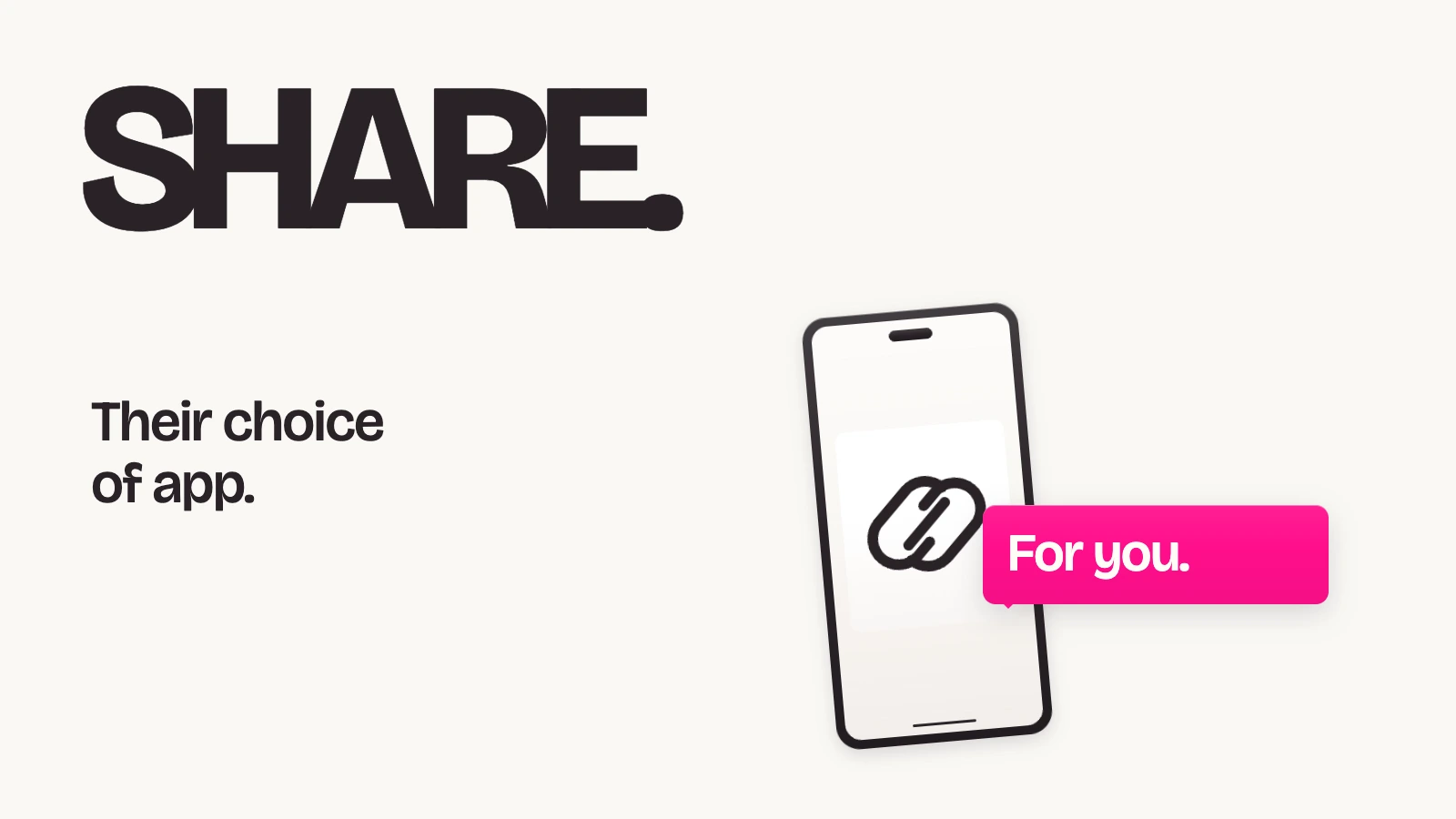
A customer has a friend in mind and a product worth recommending. The next step should feel familiar: open the conversation where they would normally send that recommendation.
ReferralCandy’s new Share button gives advocates that choice. On supported browsers, it opens the device’s own share menu, where they can select Messages (SMS) or another available app to send their referral.
Give the recommendation a familiar route
Your customers do not all use the same messaging app. A row of named sharing options may include a channel one customer uses every day and miss the one another customer prefers.
The Share button appears alongside the existing options. An advocate who wants to text a friend can tap Share and choose Messages if it is available in their device’s menu. Someone else can choose another app offered there. The device determines the choices; the customer chooses where to continue.
For your referral program, the practical change is a direct route from the referral page into that familiar sharing menu. It gives the customer another way to pass along a recommendation without asking you to pick one messaging channel for everyone.
Check where it appears
The button is live on supported stock themes: the advocate portal’s Sign-in/Share page and Dashboard, the stock theme’s sharing page and post-purchase widget, and the referral widget popup.
It appears only when the browser can open the device’s share menu. Supported browsers include Safari, Chrome, Edge, and Samsung Internet. Firefox on desktop and Chrome on Linux do not show it. Custom themes in developer mode and older stock themes do not receive the button, and it is not included in emails or Shopify extensions.
Keep control of the sharing options
In the theme editor, the advocate portal’s Social icons to show list includes Share button. You can clear that option to hide it on the portal. The portal control applies to both its share page and dashboard.
Share clicks appear as Share button in the social shares card, reports, and contact activity. That label records the button interaction; avoid treating it as proof that a message reached a friend.
Open your referral page on a supported phone browser and review the experience. Give your customers a clear invitation to recommend your brand, with a sharing route they already recognize.